Every agent you use
Claude Code and Codex with the plans you pay for, Gemini CLI and other ACP agents, or Hydor's own agent with any model from OpenRouter, Ollama or vLLM.
ὕδωρ, “water” in ancient Greek: it takes the shape of whatever holds it
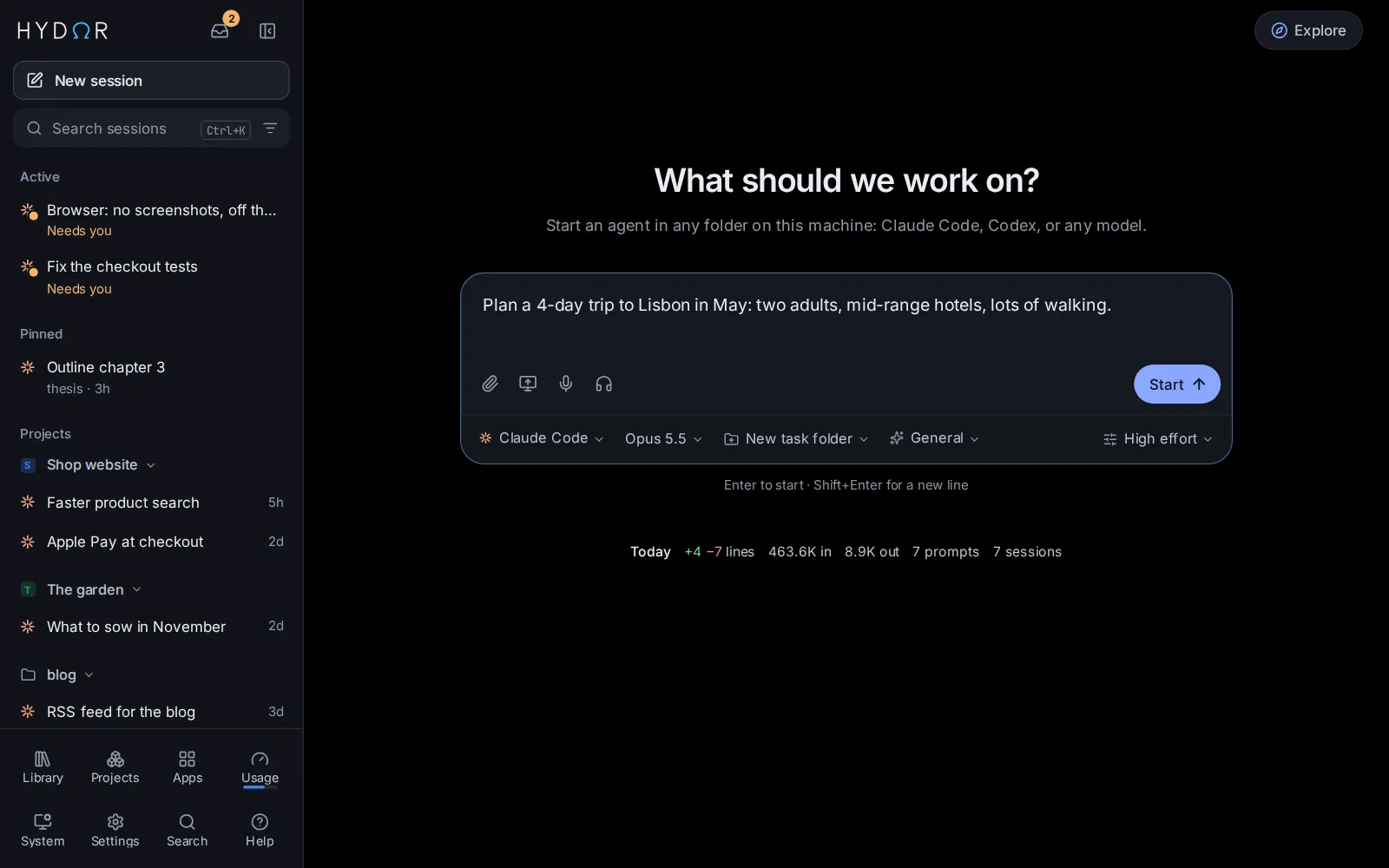
Hydor runs Claude Code, Codex or any model on your machine, with the plans and APIs you already pay for. A unified memory layer and the best user experience in one place.
Free and open source · macOS 12 or newer, Apple silicon · Intel Mac · Docker and Linux
Works with the agents and models you already use
Why Hydor
Claude Code and Codex with the plans you pay for, Gemini CLI and other ACP agents, or Hydor's own agent with any model from OpenRouter, Ollama or vLLM.
A profile of you and notes on your projects that every agent starts with, found by meaning and kept on your own computer.
Every step in plain words, approvals as cards, replies with maths, diagrams and charts, and the same app on your phone.
See it work
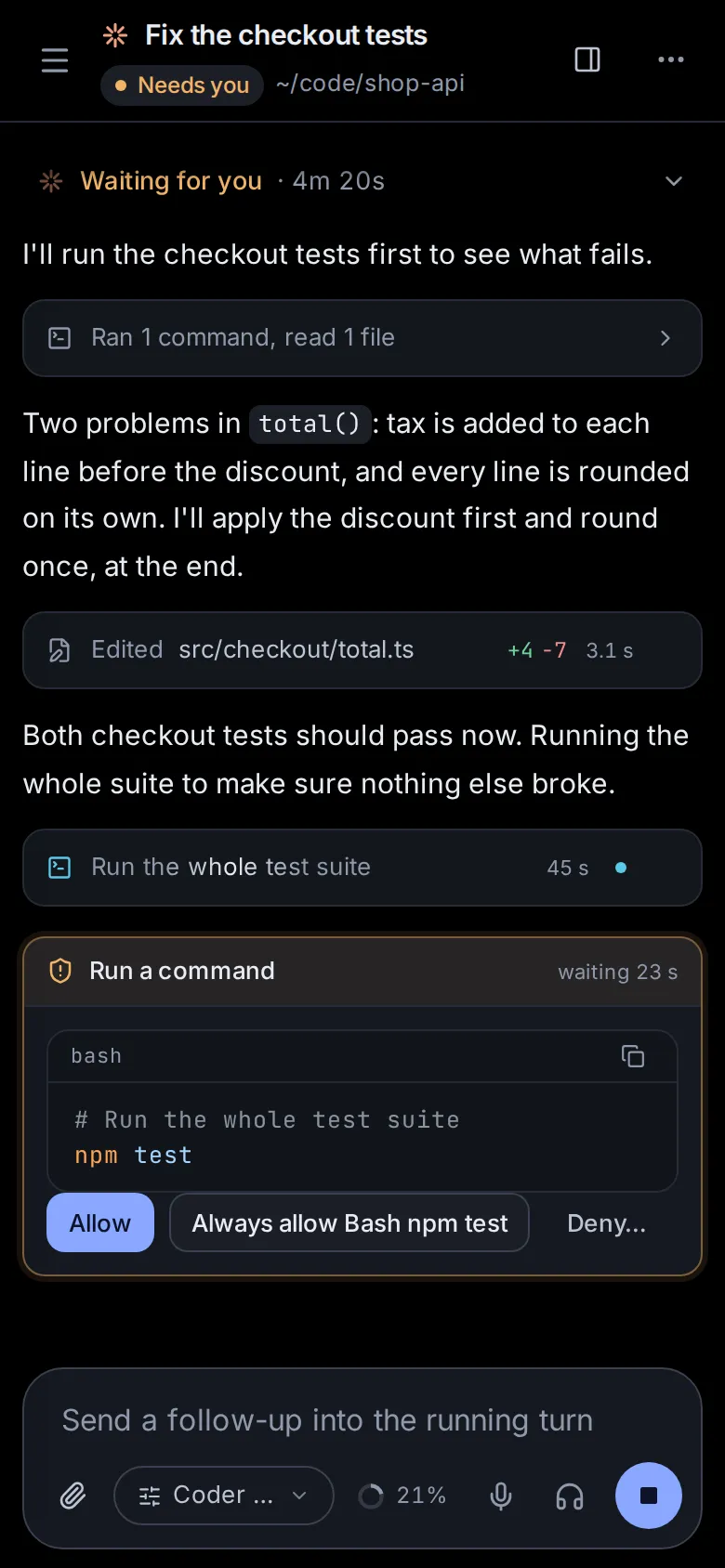
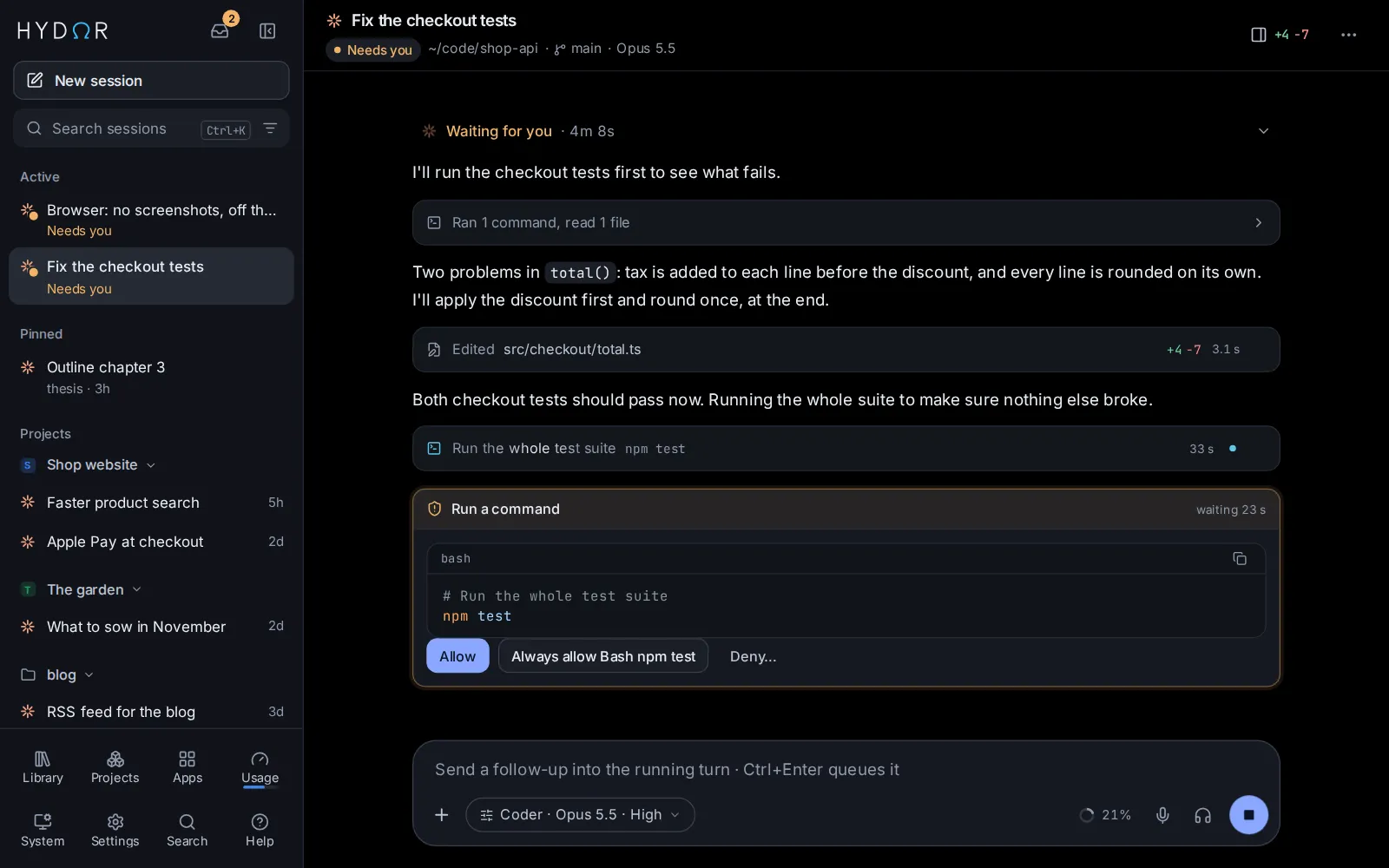
Every step shows as it happens. Commands and edits wait for your OK, and every change comes with its diff.
An example, played out. In Hydor it is your own agent, working in your own folder.
Features
Each step shows in plain words as it happens. Commands and edits wait for your Allow, every change comes with its diff, and you can add a note while the agent works.
Tell one agent something once and every agent knows it. Hydor keeps a profile of you and notes on your projects, and each session starts with what bears on your request, found by its words and by its meaning.
Start as a Researcher, Writer, Tutor, Planner or Analyst. Agents search and read the web, cite their sources, hand you spreadsheets and documents, and use a browser you can watch and take over.
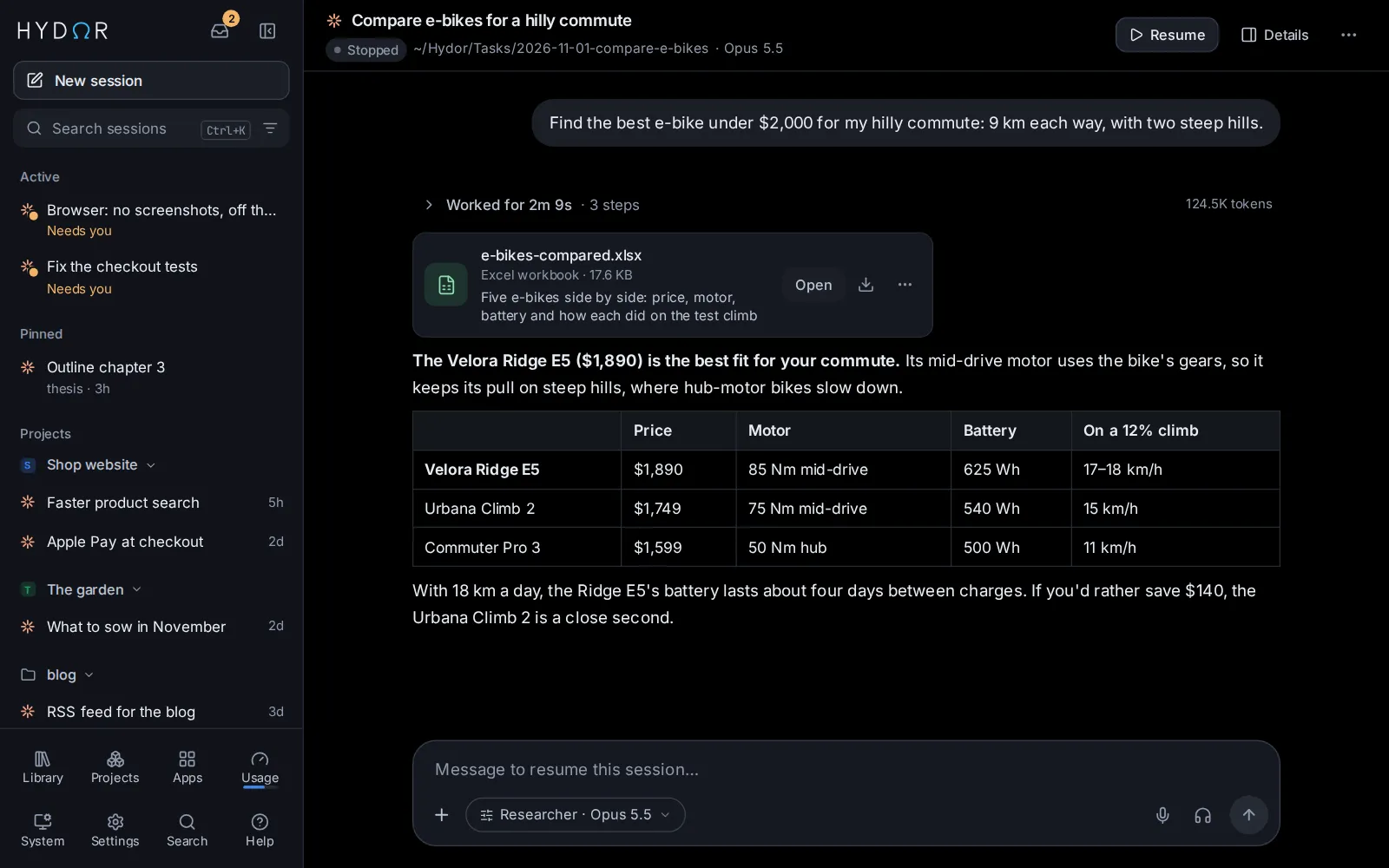
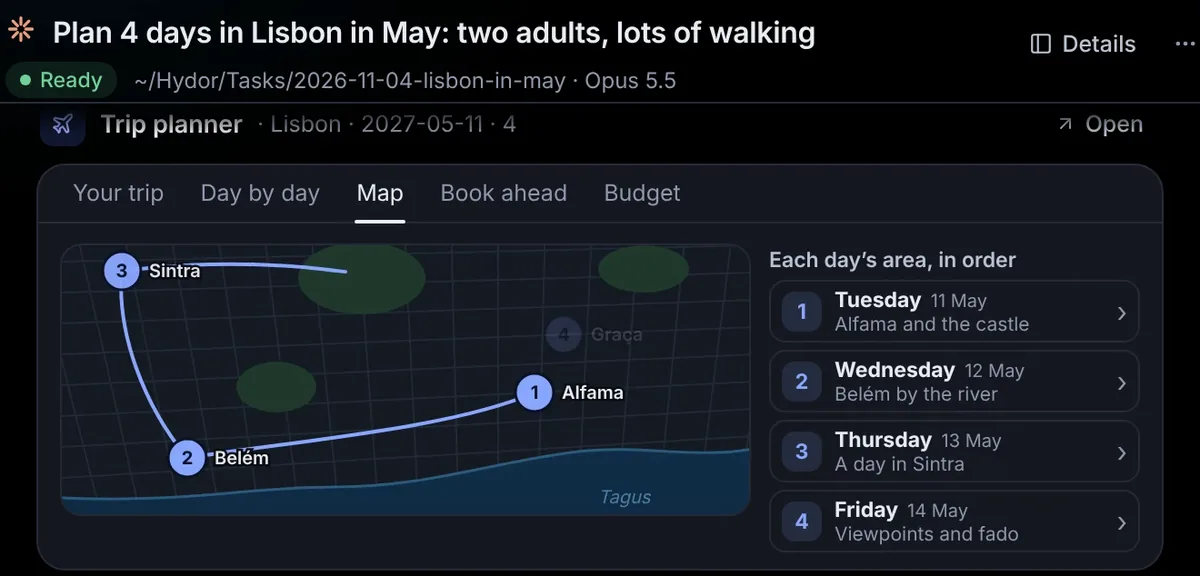
For the jobs you do again and again: a trip plan, a product comparison, the weather, a quiz. An app asks a few questions and opens its answer in a view of its own, with maps, charts and pictures.
Pages, slides, documents, spreadsheets and LaTeX, edited right in the app. Pictures, videos, music and voice-overs too, all waiting in your Library, by project.

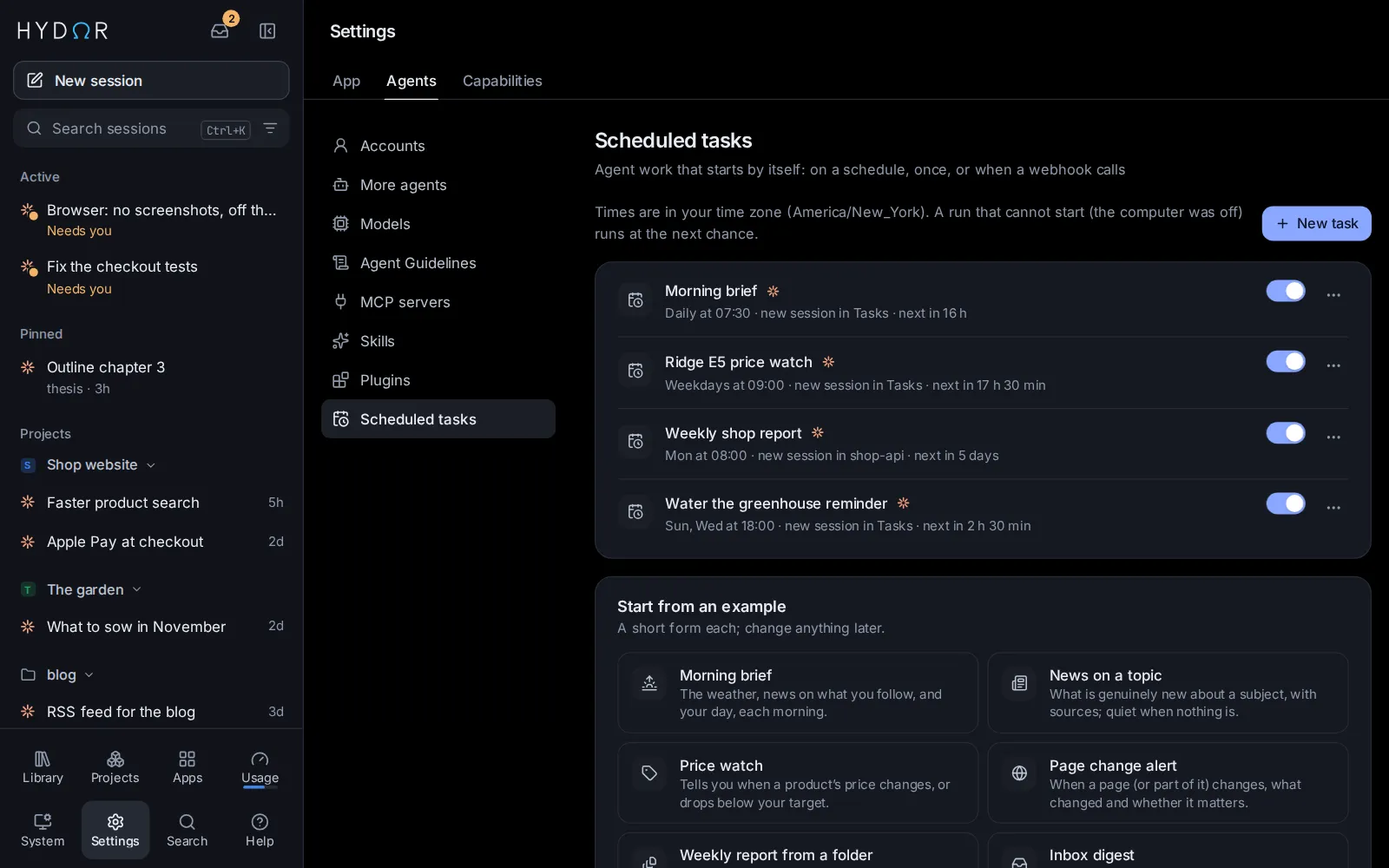
Turn a request into a scheduled task, watch a page or a price, or give an agent a goal it keeps working on until it holds. A notification tells you what it found.
On your phone
Sessions keep running when you close the tab. Add Hydor to your phone's home screen, and get a notification when an agent finishes or needs you.
And everything around them
Yours
Hydor is not a service you sign up for. It is an app that runs where you choose, with the AI you choose.
On your Mac, a Linux box at home or a server you rent. Your sessions, files and memory stay there.
The Claude and ChatGPT plans you have, API keys, OpenRouter, or free models on your own computer.
Passwords and keys live in an encrypted vault. Agents use them by name, only on the sites you allow.
MIT licensed: read every line and change what you like. In English, Chinese or Greek.
Questions
Something else? Ask on GitHub.
Yes. Hydor is free and open source, under the MIT license. The AI it uses is your own: a Claude or ChatGPT plan you already pay for, API keys, models you pay for as you go through OpenRouter, or free models that run on your own computer.
No. A short tour, made for people new to AI, sets up what you want to use. Then ask in plain words: assistants help with research, writing, planning, learning and everyday jobs. If you do code, you also get a terminal, files, Git and every change as a diff.
On the computer that runs Hydor. Your sessions, files, memory and keys are kept there, not in a Hydor cloud. Agents reach the AI services and websites you choose from there.
Yes. Open it in your phone's browser and add it to the home screen: it works like an app, with notifications. To reach it away from home, put HTTPS in front of it; the docs show a few easy ways.
Claude Code, Codex, Gemini CLI and other agents that speak the Agent Client Protocol, such as OpenCode, Qwen Code, Goose, Kimi CLI and Auggie. Hydor's own agent, Custom, gives any model the same tools: through OpenRouter, Ollama, or vLLM on your own graphics card.
Yes, with Docker. There is also a Mac app, an installer for Linux, and one-click deploys to cloud services.
No. Hydor is an independent project, not affiliated with or endorsed by Anthropic or OpenAI. It runs their official command-line tools, signed in with your own account.
Download
Install it once on a computer, then open it from any device.
A short tour sets up the rest.
The easiest way: everything Hydor needs in one app, in its own window and in the menu bar. It keeps itself up to date.
macOS 12 or newer. Not sure which? Apple menu → About This Mac: “Apple M…” means Apple silicon.
On Linux, macOS or Windows, Intel/AMD and ARM. Then open the setup link from its log.
docker run -d --name hydor --restart unless-stopped \
  -p 127.0.0.1:8790:8790 -v hydor-home:/home/node \
  -v "$PWD/workspace:/workspace" algoprog/hydor
docker logs hydor | grep setupAs a service of your user. Needs Node.js 22.12 or newer, git and tmux.
git clone https://github.com/algoprog/hydor && cd hydor
./install.shRun it on a cloud service from the Docker image, billed to your account there.
Latest release: Hydor 0.24.7 · Release notes · Install guide